Google Sheets Multiplication Operator
Multiplication Operator
Multiplication uses the * symbol in Google Sheets.
How to multiply cells:
- Select a cell and type (
=) - Select a cell
- Type (
*) - Select another cell
- Hit enter
You can add more cells to formula by typing (*) between the cells.
Let's have a look at some examples.
Multiplying Manual Entries
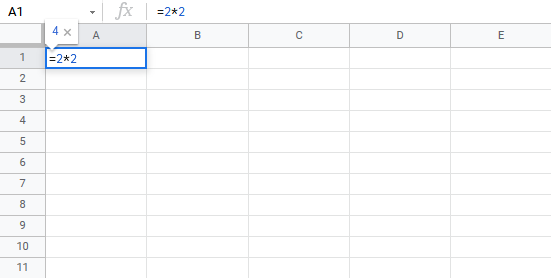
Let's start with adding in a formula. Start with a clean sheet.
Step by step:
- Type
A1(=) - Type
2*2 - Hit enter

Multiplying Two Cells
Let's add some numbers to work with. Type the following values:
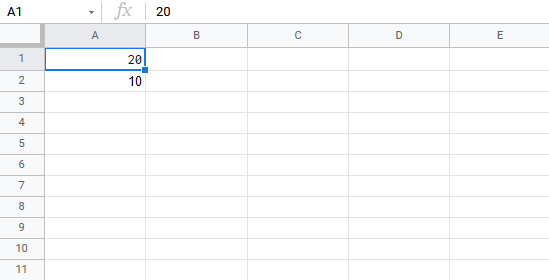
Step by step:
- Type
A3(=) - Select
A1 - Type (
*) - Select
A2 - Hit enter

